 Titli
Titli
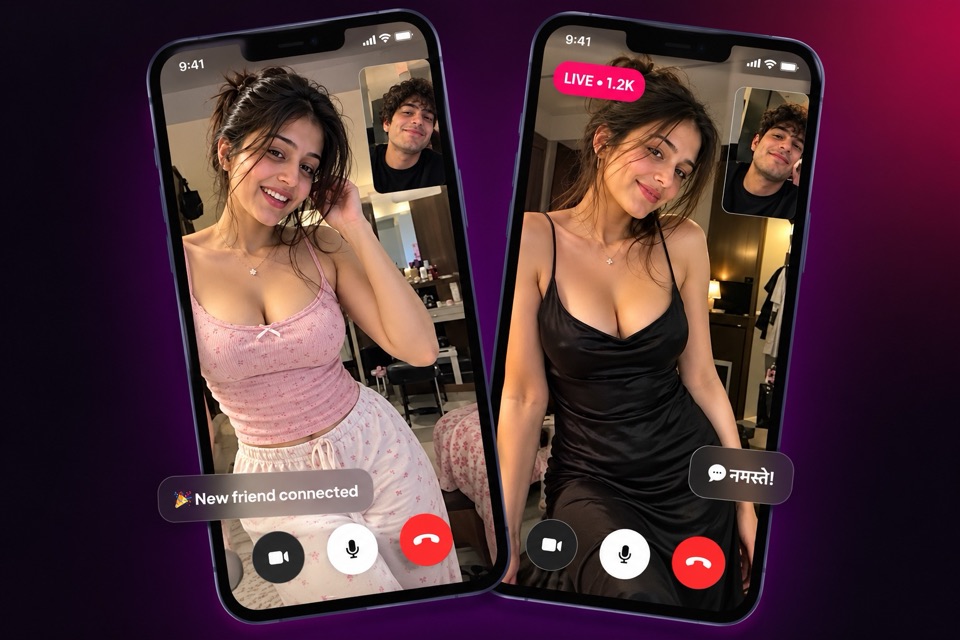
A live stream is the most social way to use a video app. Instead of one person talking to one person, a host is on camera and a whole room of viewers chats along. On Titli, live streaming sits alongside 1-on-1 calls and private messages, so you can drop into a live, enjoy the company, and carry a good conversation into a DM later.
This page is mostly for viewers, because that is how most people use a live streaming app. Further down, we cover who can go live and the tools hosts get.
Finding a live: the four tabs
Open the Live section and you will see four tabs. Each one answers a different question.
| Tab | What it shows | Good for |
|---|---|---|
| Popular | Lives with a lot happening right now | Jumping into a busy room |
| New | Hosts who have just started | Catching a stream from the beginning |
| Following | Lives from hosts you follow | Your regular favourites |
| Scheduled | Lives hosts have planned for later | Planning your evening |
The Following tab becomes more useful the longer you use Titli. Follow hosts whose streams you enjoy, and their lives appear here whenever they go on air. The Scheduled tab shows lives that hosts have announced in advance, so you know when to come back.
What you can do while watching
Chat in real time
Every live has a chat. Say hello, answer the host's questions, react to what is happening. Hosts often read the chat aloud and reply, which is what makes a live feel like a conversation rather than a broadcast.
Send gifts
Gifts are animated virtual gifts bought with coins. When you send one, it plays on screen for the host and everyone watching. People send gifts to say thanks, to celebrate a moment, or simply to show they are enjoying the stream. Our explainer on how live streaming gifts work covers the details, and the virtual gifts page shows where else you can send them.
Follow the host
If you like a host, follow them. You will see their next live in your Following tab and their posts in your feed. You can also visit their profile to message or call them.
Join the live as a guest
This is where watching turns into taking part. A live can have up to three on-screen guests alongside the host.
- While watching, ask to join.
- The host sees your request and decides whether to approve it.
- If approved, your camera appears on screen next to the host, and everyone watching can see and hear you.
- Leave whenever you like, and the host can also remove a guest at any time.
The host is always in control of who comes on screen. That keeps lives from turning chaotic. VIP members get unlimited free guest joins in lives.
Audio party rooms: live without a camera
Not every live needs video. Hosts can open an audio-only party room, a voice live with mic seats (eight by default). It is a bit like a radio phone-in, or a group of friends talking on a terrace at night.
- Listen like any other live.
- Take a seat to speak. Depending on the host's settings, a seat may be open, or you may need the host's approval.
- Locked seats are ones the host has closed.
Only hosts open rooms. Everyone else joins and takes seats. No camera is needed, which makes audio rooms a comfortable place to start if you are shy on video. Read more on our audio chat rooms page.
Scheduled, followers-only and paid-entry lives
Hosts can shape their lives in a few ways, and as a viewer it helps to know what you are seeing.
- Scheduled lives are planned in advance and listed in the Scheduled tab.
- Followers-only lives are open only to people who follow the host. Follow first, then join.
- Paid-entry lives charge coins to enter. Gifts and guest requests are always your choice.
Who can go live on Titli
Hosts go live. By default, live streaming is open to female members and approved host accounts. Titli can change who may go live, require a face verification check before someone streams, or set a minimum level.
Face verification on Titli is a liveness check: you blink, turn your head and smile for the camera. It confirms a real person is in front of the phone. Titli can require it before going live; it is not a check that every user goes through.
If you are interested in hosting, our guide on how to be a good live host covers lighting, conversation and handling a busy chat.
Moderation tools that keep lives friendly
A live stream is only fun if the room is respectful. Titli gives hosts and moderators tools to keep it that way.
What hosts can do
- Remove (kick) a viewer from the live.
- Block a viewer who keeps causing trouble.
- Ban a viewer from their lives.
- Approve or decline guest requests and remove guests from screen.
What Titli moderators can do
Titli moderators can end a live that breaks the rules and give strikes to the account. Our Community Guidelines apply to lives just as they apply to calls and chats: no nudity or explicit content, no harassment, no hate, no scams and nobody under 18.
What viewers can do
You can report and block from inside a live too. If a host or another viewer crosses a line, report them with the right reason. See the safety page for the full set of tools.
Frequently asked questions
Is it free to watch live streams on Titli?
Most lives are free to watch. Some lives have a paid entry in coins. Gifts are optional and use coins.
How many people can join a live on screen?
Up to three guests can join a host on screen. The host approves each request and can remove a guest at any time.
Can I go live myself?
Hosts go live. By default this is open to female members and approved host accounts, and Titli can require face verification or a minimum level first.
What is the Scheduled tab?
It lists lives that hosts have planned in advance, so you can see what is coming up and come back at the right time.
Why can I not enter some lives?
The live may be followers-only, so you need to follow the host first. It may also have paid entry, or the host may have removed or banned you.
Do audio rooms need a camera?
No. Audio party rooms are voice only. You can listen, or take a mic seat if one is open or the host approves you.