 Titli
Titli
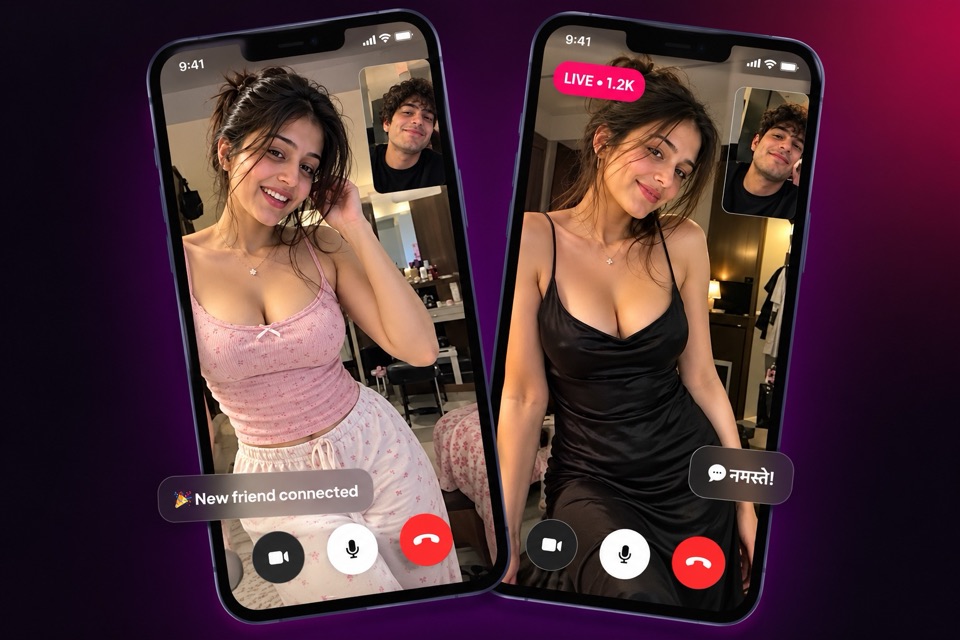
India talks in many languages, and a video chat app in Indian languages should not make you fight your way through English menus just to say hello. Titli's interface is available in nine languages. Whether you are looking for Tamil video chat, a Telugu chat app or Bengali video chat, you can set up Titli so that every button, menu and message from the app reads in the language you are most comfortable with.
The nine languages on Titli
You can use Titli in:
- English
- Hindi
- Bengali
- Tamil
- Telugu
- Kannada
- Gujarati
- Urdu
- Arabic
These cover the app's screens: sign-in, your profile, Match, Explore, lives, chats, settings, safety options and more. Reporting and blocking options appear in your chosen language too, which matters when you need them quickly.
How to choose your language
The very first screen you see after opening Titli asks you to pick a language. Tap the one you want, and the rest of the setup, including signing in with your phone number or Google account, continues in that language.
Changed your mind, or sharing a phone with a family member who prefers another language? You can switch any time:
- Open Settings in the app.
- Find the language option.
- Pick a new language from the list.
The app then shows its screens in the new language. Your chats, followers and coin balance stay exactly as they were.
What the language setting does, and does not do
It is worth being precise here, so you know what to expect.
It does change the language of Titli itself: the menus, labels, buttons and help text.
It also lets incoming chat messages be auto-translated into your language, so a message written in another language can still reach you in one you read.
It does not match you with people based on the language you chose. When you go to Match or Explore, the people you meet may speak any language.
In practice, this works well. Many people on Titli are comfortable in two or three languages. A Tamil speaker and a Telugu speaker often find common ground in English or Hindi within a minute.
Tips for chatting across languages
Meeting someone who speaks a different language can be the most memorable part of a conversation. A few tips that help:
- Ask early. "Hindi, English, or something else?" is a friendly opening and saves confusion.
- Mention your languages in your bio. A line like "Kannada, English, a little Hindi" helps people start in the right place.
- Speak a bit slower. Not louder, just slower and clearer, especially on mobile data.
- Use simple words. Short sentences travel better across languages than long ones.
- Type when you are stuck. In a call, you can switch to a private message for a tricky word or a name.
- Teach each other. Swap a greeting or a favourite word in your own language. It turns a barrier into a topic.
- Be patient with accents. Everyone has one. Laughing together at a mix-up is fine; mocking someone is not.
If you are using Titli to build confidence in spoken English, our guide on practising English on video calls has practical exercises.
Finding people who share your language
Because Titli does not match by language, finding people who speak yours takes a little initiative:
- Browse Explore and read profiles and bios for languages mentioned.
- Watch lives. Hosts often talk in their own language, and you can hear it within seconds of joining. Following hosts you understand builds your feed over time.
- Join audio party rooms where the conversation is in your language. Listening first is easy because no camera is needed.
- Post in your language. Posts in Tamil, Bengali or Gujarati naturally attract people who read them.
For a wider look at how Titli fits life in India, see our page on the video chat app for India, and our guide to making new friends online.
Titli in Hindi
If Hindi is your first language, we also have pages on this website written in Hindi. Start at the Titli Hindi home page, or read our page on Hindi video chat to see how Hindi speakers use the app.
Frequently asked questions
Which languages is Titli available in?
Titli is available in English, Hindi, Bengali, Tamil, Telugu, Kannada, Gujarati, Urdu and Arabic.
How do I change the language in Titli?
You choose a language on the first screen after opening the app. To change it later, open Settings in the app and pick a new language.
Does Titli translate messages?
Incoming chat messages can be auto-translated into your language. The language setting also changes the app's own screens and menus.
Will Titli match me with people who speak my language?
No. Titli does not match by language. You can find people who share your language through Explore, lives, audio rooms and posts.
Can I use Titli for Tamil, Telugu or Bengali video chat?
Yes. You can set the app to Tamil, Telugu or Bengali and talk in those languages with anyone who speaks them. The other person's app may be in a different language.
Does changing the language affect my account?
No. Your profile, chats, followers and coin balance stay the same when you switch languages.